Basics course · Lesson 7 · Part 1 · Trading basics
Market, Limit, and Stop Orders: What's the Difference
At a glance
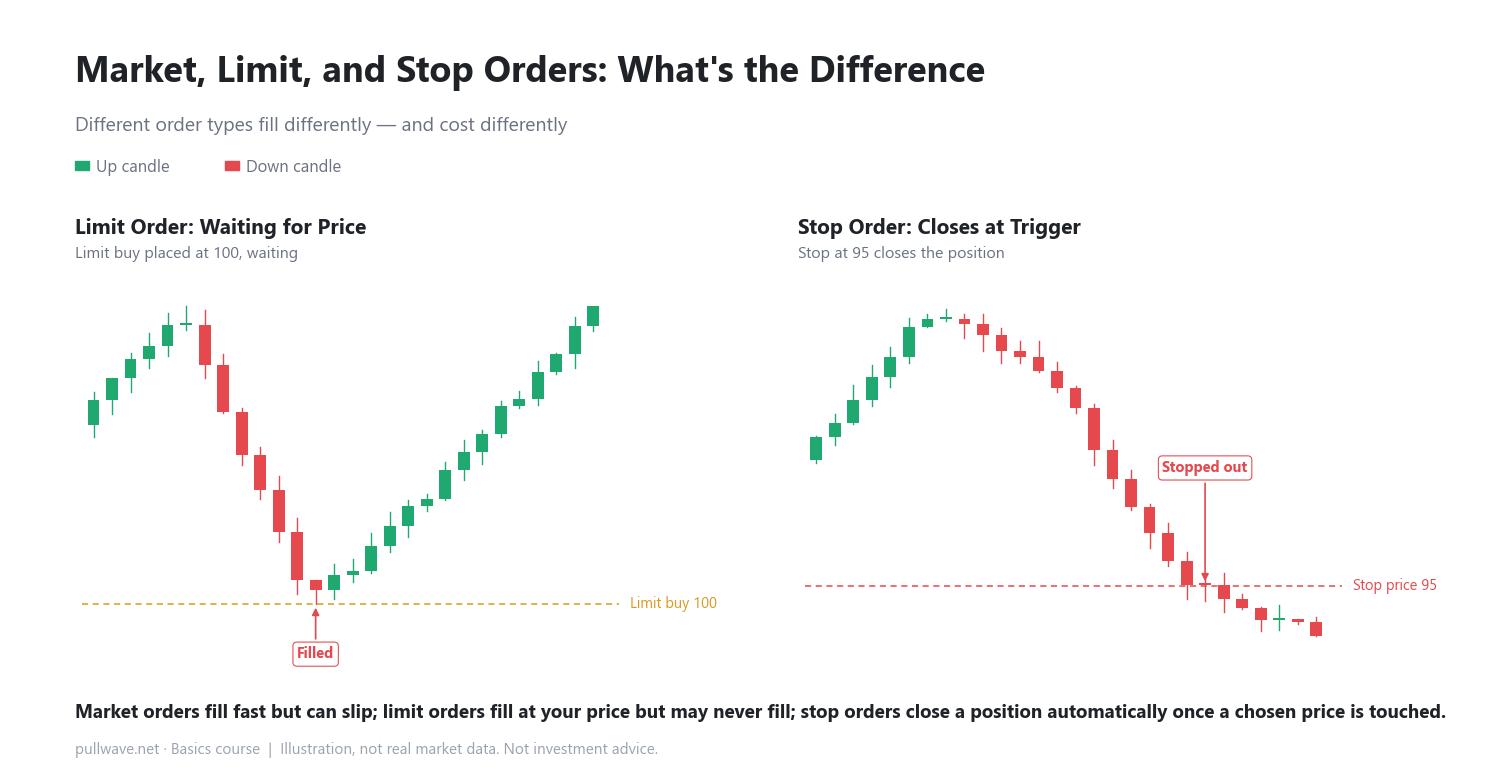
- Market orders fill instantly but can slip in price
- Limit orders wait at your price and may never fill
- Stop orders automatically close a position at a chosen level
In the last lesson we looked at how the funding rate flows between longs and shorts. This time we step back to something even more basic: the three main ways you can place an order — market, limit, and stop orders. Getting comfortable with these makes everything you learn later, like reading a single candle, much easier to follow.
An order type is simply a rule for "when and at what price should this trade fill." Buying the same asset with a different order type can change your fill speed, your fill price, and even the fee you pay.
The three order types
Market order: fill right now
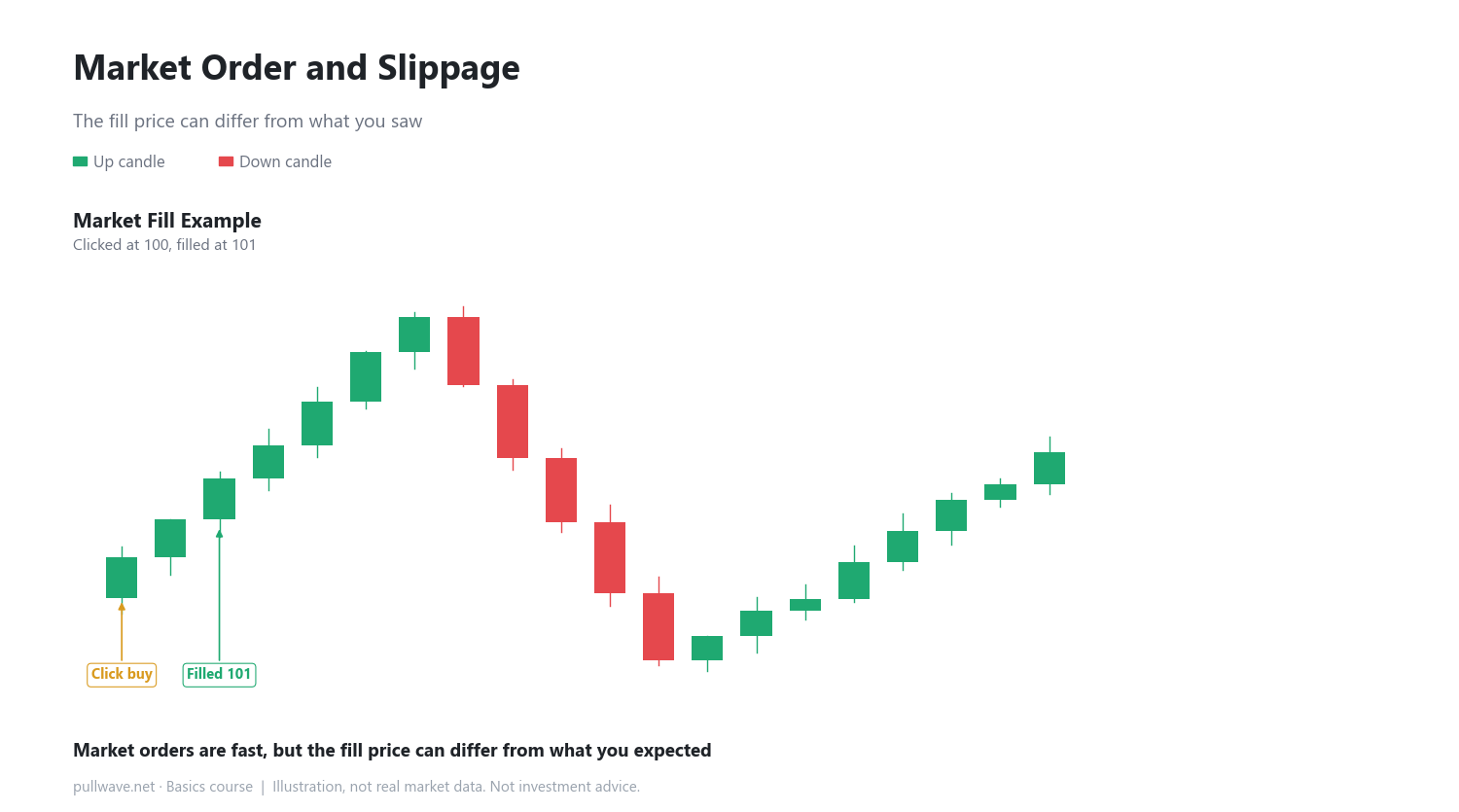
A market order doesn't specify a price. It tells the exchange to fill immediately at whatever price is currently available. The upside is that it almost always fills, and fills fast. The downside is that the price you actually get can differ from the price you saw on screen — this gap is called slippage. For example, you see 100 on the screen and click a market buy, but by the time the order processes, the price has moved and you're filled at 101 instead.
Limit order: wait at your price
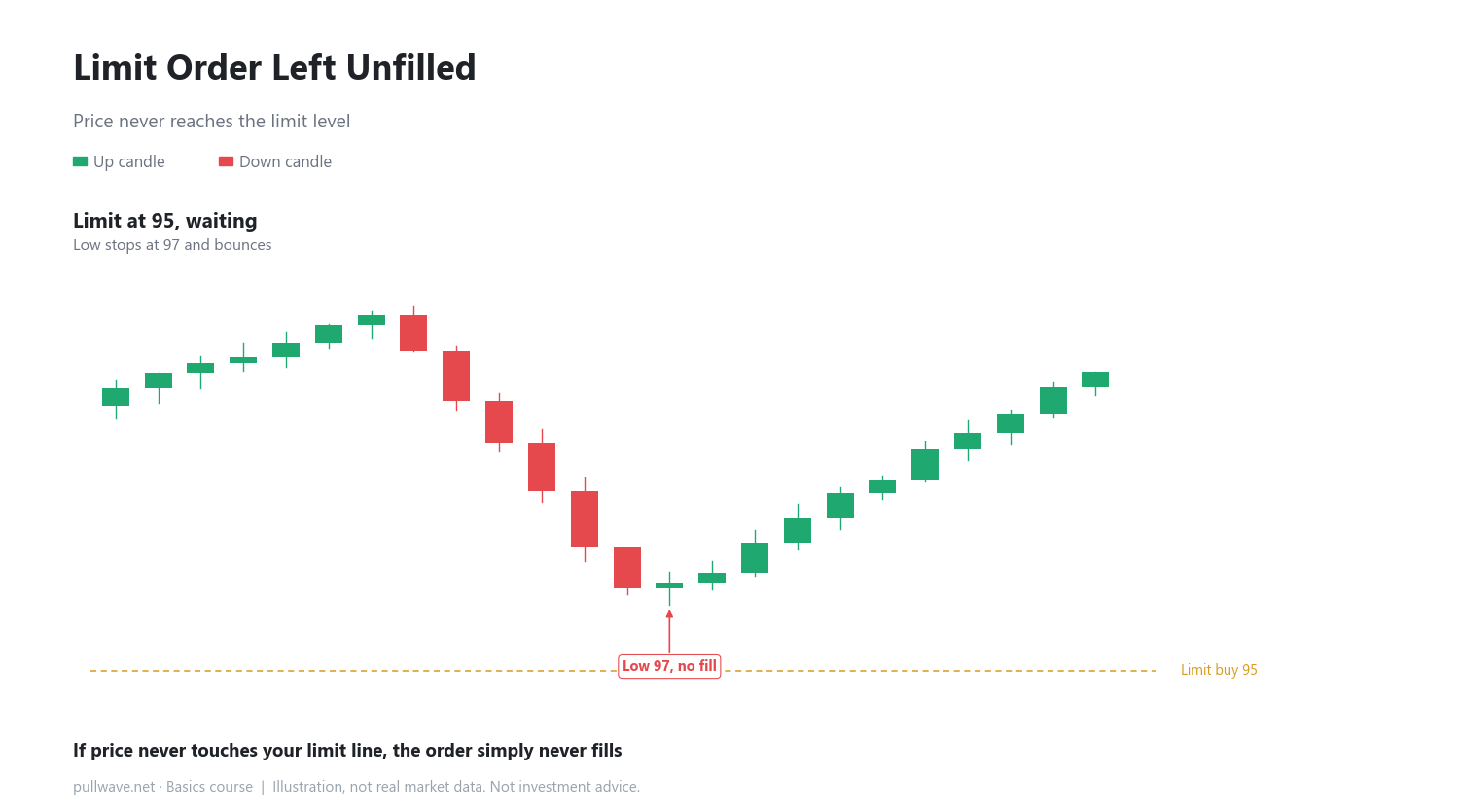
A limit order says "only fill me once price reaches this level." If the current price is 103 and you place a limit buy at 100, the order sits there until price actually drops to 100. The benefit is that you never get filled at a worse price than you chose. The drawback is that if price never reaches your level, the order may simply never fill.
Stop order: close out once a level is touched
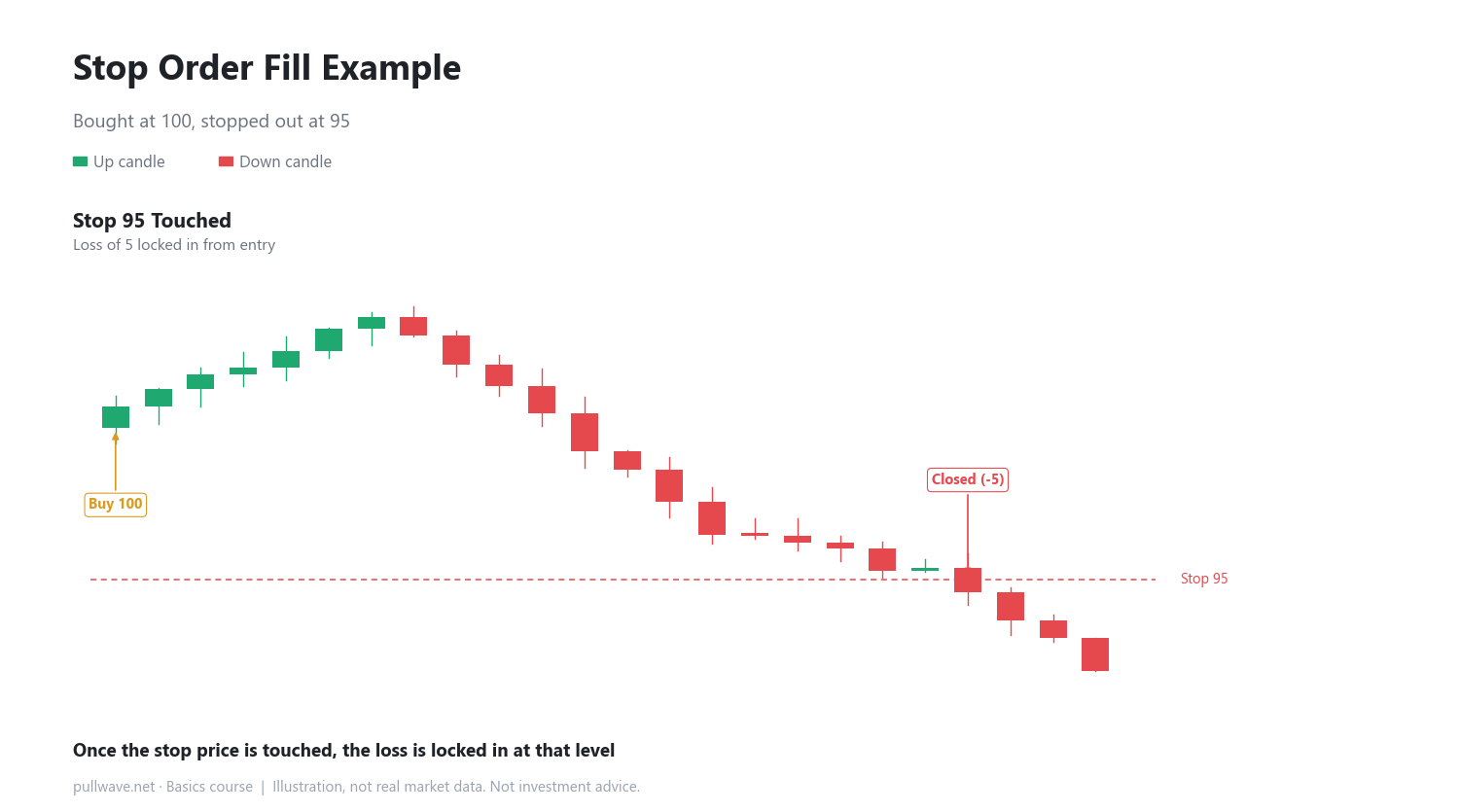
A stop order automatically closes a position once price touches a chosen level. It exists to cap losses at a level you decide in advance. For example, if you bought at 100 and placed a stop at 95, the position closes once price touches 95, locking in a loss of 5 per unit. Keep in mind that stop orders usually trigger as market orders, so in a fast-moving market the actual fill can be a bit worse than 95.
Maker and taker fees
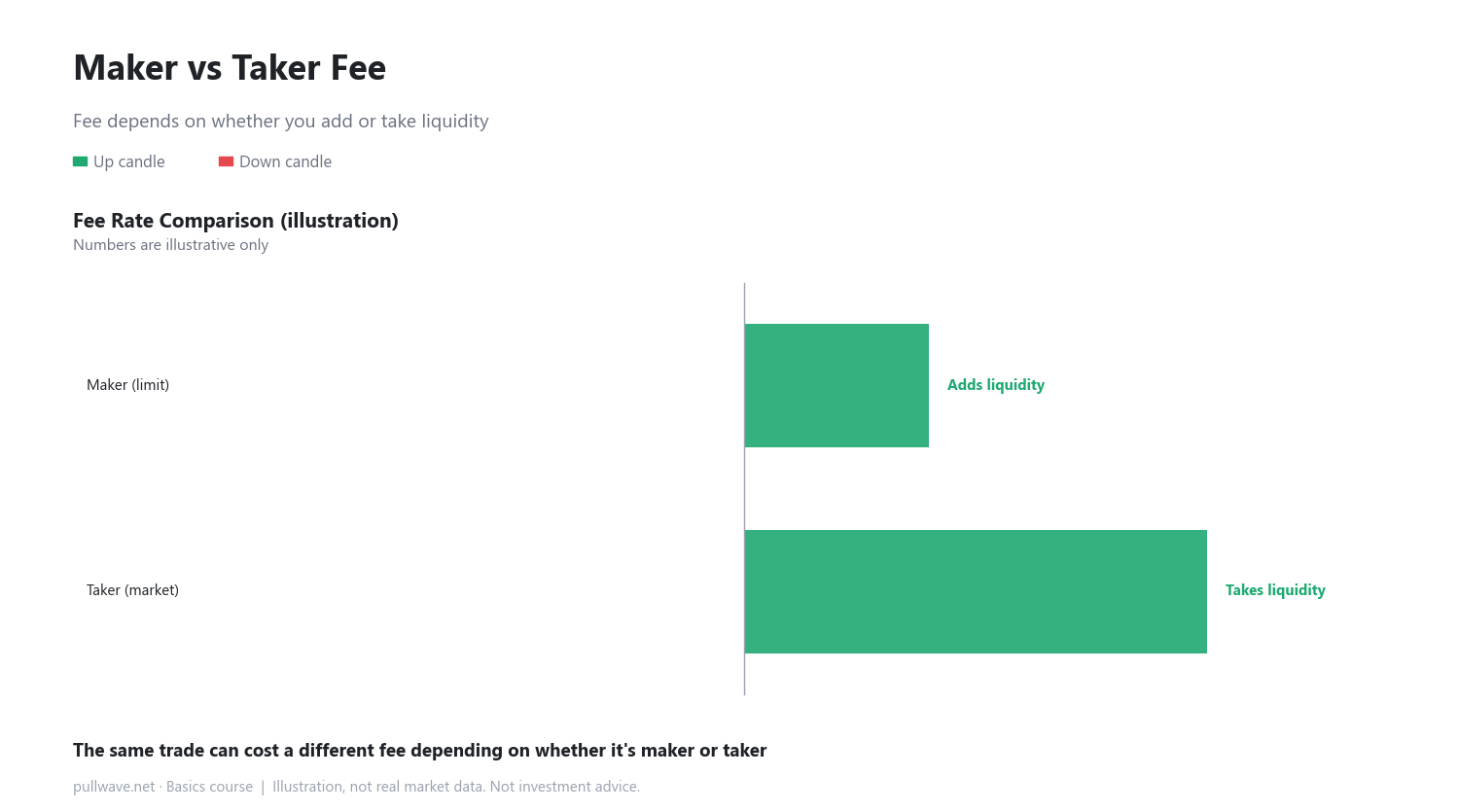
Exchanges split orders into two categories for fee purposes. An order that sits on the book waiting to be filled — like a typical limit order — is called a maker order, because it adds liquidity (available volume to trade against). An order that immediately matches against an existing order — like a typical market order — is called a taker order, because it takes that liquidity away. Makers usually pay a lower fee since they're supplying liquidity, while takers usually pay a bit more since they're consuming it.
How to use it on a real chart
A horizontal line drawn on a chart is usually either a resting limit price or a stop level. If price touches that line and candles simply pass right through, a limit order may be left unfilled, while a stop order is usually closed out the moment it's touched. Before placing any order, it's worth checking whether you're using a market or limit order, and whether you want a stop attached — this small habit prevents a lot of mistakes.
Common misconceptions
- Some people think a stop order brings their loss down to zero. In reality it just caps the loss at a level you chose in advance; it doesn't remove the loss itself.
- People often assume a limit order always gets a better price. What's easy to miss is that if price never reaches that level, the order might not fill at all.
FAQ
Should I use a market order or a limit order?
There's no single right answer. Pick based on what matters more to you in that moment — fill speed favors a market order, fill price favors a limit order.
Do I have to use a stop order?
It's not mandatory, but deciding your loss limit before opening a position is a widely recommended basic habit in position management.
General education, not investment advice. The picture is an illustration, not real market data.